
There was a time in my professional life when my desk looked like a graveyard for sticky notes.
I had neon pink squares attached to my monitor, yellow ones plastered across my desk pad, and blue ones clinging desperately to the edge of my keyboard. Every single piece of paper represented a promise I had made to a client, a deadline I needed to hit for my manager, or a brilliant idea for a future campaign.
I thought this chaos meant I was working hard. I equated visual clutter with professional importance. If my desk was a disaster, it obviously meant I was a highly demanded, incredibly busy person.
The reality, of course, was much darker. I wasn’t highly productive; I was just highly anxious.
The illusion completely shattered during a major quarterly launch. A crucial design asset slipped through the cracks because the request was buried in an old email thread, and the corresponding sticky note had fallen off my monitor and gotten swept into the trash. The launch was delayed, my team was frustrated, and I felt a profound sense of professional embarrassment.
I realized that keeping projects organized in my head—and supplementing my memory with loose pieces of paper—was a recipe for burnout. I needed an airtight system. I needed a digital infrastructure that could scale with my workload, catch my mistakes, and tell me exactly what to do when I logged on every morning.
I decided to migrate my entire professional life to my smartphone and my laptop. If you are currently drowning in deliverables, constantly missing micro-deadlines, and feeling overwhelmed by your own workload, it is time to build a digital command center. Here is exactly how I organize my work projects using apps to maintain my sanity and my productivity.
Phase 1: Establishing the Single Source of Truth
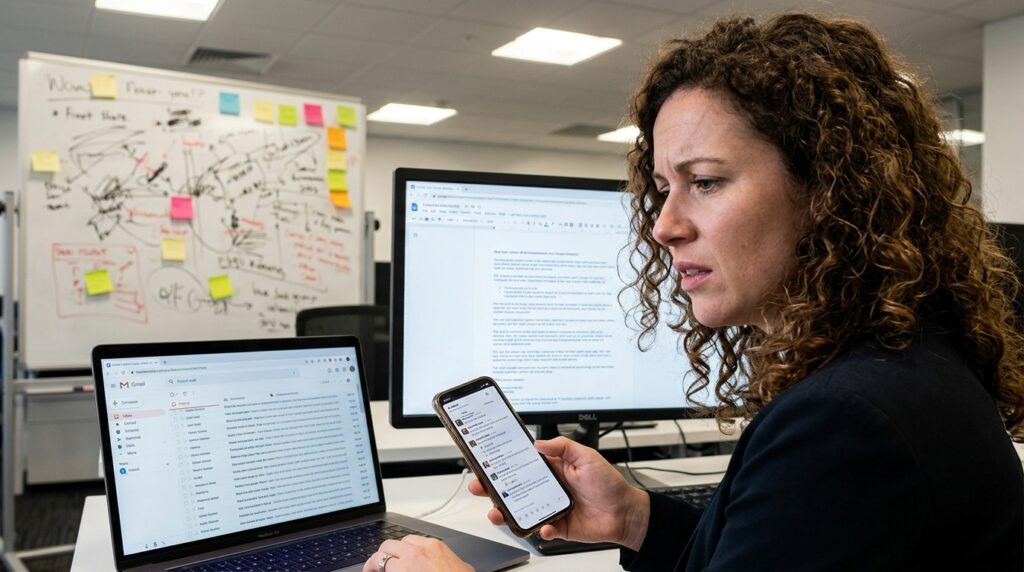
The biggest mistake most professionals make is scattering their project data. You have client feedback in an email, the actual deliverable in a Google Doc, the deadline on a whiteboard, and the daily communication in Slack.
When your project is fragmented, you spend 30% of your day just looking for the information you need to do your job.
I realized I needed a “Single Source of Truth.” I needed one unified application where every single project lived. After testing dozens of platforms, I settled on Asana (though Trello and Notion work just as well for this specific philosophy).
I created a master dashboard. Every time a new project is assigned to me, it gets a dedicated “Card” or “Board” in Asana. I immediately attach the project brief, the relevant links, and the final deadline directly to that digital card.
This completely changed my workflow. If a colleague asks me a question about the Q3 Marketing Campaign, I do not dig through my inbox. I open Asana, click the Q3 project card, and all the information is sitting right there. Establishing this central hub is the foundation of digital management, a transition I explored deeply when writing about (Apps That Make Project Management Simple on Mobile). When you consolidate your data, you instantly consolidate your focus.
Phase 2: Deconstructing the Beast (The Milestone Method)
A massive project is inherently terrifying. If you look at a task on your list that says “Launch New Website,” your brain is going to panic. It is too big, too ambiguous, and too complicated. Because it feels overwhelming, you will inevitably procrastinate.
You cannot manage a massive project; you can only manage the tiny, actionable steps that make up the project.
Once a project is loaded into my master dashboard, I use the app to violently deconstruct it. I break the massive beast down into bite-sized, non-intimidating milestones.
“Launch New Website” gets broken down into:
-
Purchase domain name.
-
Draft homepage copy.
-
Send homepage copy to editor.
-
Source three stock images for the “About Us” page.
-
Test mobile responsiveness on the contact form.
These are no longer terrifying projects; they are simple, mechanical tasks that take twenty minutes each. I assign a specific due date to every single micro-task.
This ensures that the project constantly moves forward in tiny increments. I never sit at my desk wondering how to build a whole website. I just sit down, look at my app, and see that today’s only requirement is to write three paragraphs of text.
Phase 3: The Daily Execution Engine (Todoist)
While Asana holds the grand vision of my projects, I don’t actually like keeping it open all day. Looking at a massive board with fifty different moving pieces can cause decision fatigue.
For my day-to-day execution, I use a separate, lightweight app called Todoist.
Every evening before I close my laptop, I look at my master project boards. I find the three to five micro-tasks that are due tomorrow, and I manually type them into my Todoist app.
Todoist is my daily engine. It is clean, minimalist, and stripped of all the distracting project files. When I wake up and look at my phone, I don’t see the massive, overwhelming scope of my entire career. I only see five checkboxes.
My only professional goal for the day is to turn those five checkboxes from open circles into satisfying checkmarks. Separating the “planning” app from the “execution” app completely eradicated my daily overwhelm.
Phase 4: Automating the Handoffs
If you work on a team, you know that the most frustrating part of any project is the “handoff.” You finish a design, and then you have to download it, open your email, write a message, attach the file, and send it to the developer. Then you have to go into your project app and check it off.
It is tedious, repetitive administrative work that drains your creative energy.
I started utilizing Zapier to make my applications talk to each other in the background. Zapier acts as an invisible, digital middleman.
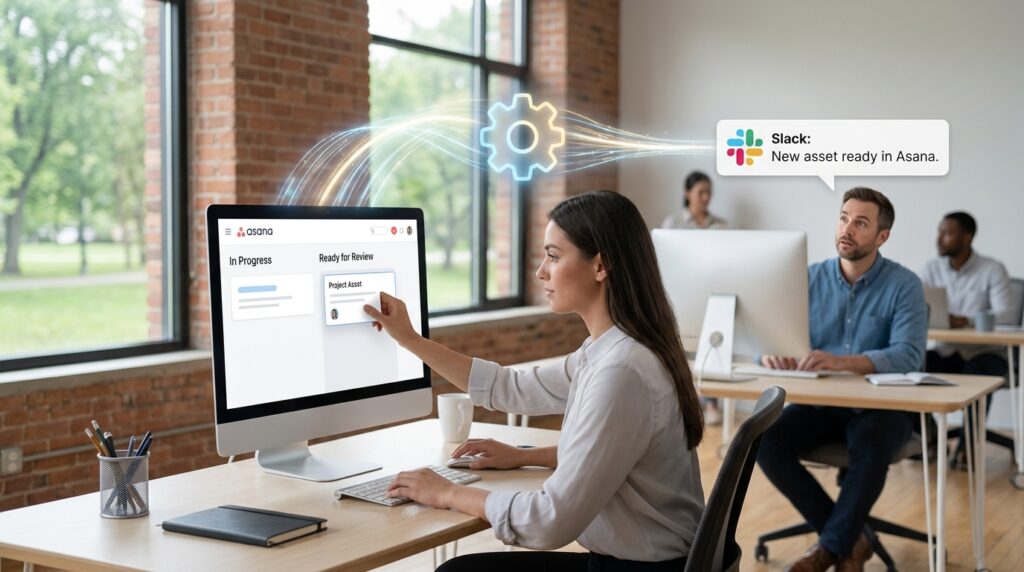
I set up a rule: When I drag a project card in Asana into the column labeled “Ready for Review,” Zapier automatically catches that action. It instantly pings a specific Slack channel, tags my manager, and sends an automated message saying: “A new asset is ready for your review,” complete with a direct link to the file.
I literally do not have to type a word. I just drag and drop a box on my screen, and the software handles the communication. Building these invisible bridges is a massive part of my workflow, an ecosystem I detailed thoroughly in (How I Automate Repetitive Tasks for Maximum Productivity). When you let algorithms handle the boring logistics, you free up your mind to do the actual, high-level work you were hired to do.
Phase 5: Time Blocking and Defensive Scheduling
You can have the most beautifully organized project management app in the world, but if your day is constantly hijacked by “quick questions” and sudden meetings, those projects will never get done.
A list of tasks has no concept of the space-time continuum. To actually execute my projects, I have to map those tasks onto my Google Calendar.
This is where defensive scheduling comes into play. If I know I have a major presentation due on Friday, I do not leave my calendar open on Thursday. I actively create a three-hour calendar event called “Deep Work: Presentation.”
During this block, my calendar automatically signals to my team that I am busy. I mute my notifications, close my email tab, and put my phone in a drawer. I treat this time block with the exact same respect and rigidity as a meeting with my CEO.
This is the only way to survive when you have competing deadlines. Balancing conflicting priorities requires ruthless calendar management, a strategy I leaned into heavily when outlining (How I Stay Organized While Managing Multiple Projects). If you do not actively defend your time, someone else will gladly steal it to further their own projects.
Phase 6: Taming the Communication Chaos
Email and instant messaging apps are incredible tools for communication, but they are absolutely terrible tools for project management.
One of the biggest shifts I made was refusing to receive project assignments via email. If a colleague emailed me saying, “Can you update the graphic on the landing page by tomorrow?”, I would not leave that email sitting in my inbox.
I would immediately forward the email into my Asana dashboard (most premium apps have a dedicated email-to-task forwarding feature). I would then reply to the colleague: “Got it! I’ve added this to the project board. You can track the status there.”
I aggressively trained my team to stop treating my inbox like a to-do list.
By pushing all actionable requests out of my email and into a dedicated project management app, my inbox returned to being what it was supposed to be: a place for communication, not a stressful catalog of demands.
Phase 7: The Weekly Friday Audit
The most dangerous thing about digital organization is the illusion of permanence. You assume that just because you organized your apps on a Monday, they will stay organized forever.
They won’t. Projects shift. Deadlines get extended. Priorities change based on client whims. If you don’t actively groom your digital system, it will become just as chaotic and untrustworthy as a desk full of sticky notes.
To prevent the system from decaying, I enforce a strict “Friday Audit.”
Every Friday at 4:00 PM, I stop doing active work. I spend the last hour of my week acting as my own administrative assistant. I open my project apps and review every single active board.
Did a task get stuck in the “In Progress” column? I follow up on it. Did a deadline get pushed back? I update the date in the app. I clear out my digital inbox, categorize my loose notes, and delete completed tasks.
Then, I look at the upcoming week and map out my major milestones.
When I close my laptop at 5:00 PM, my entire digital ecosystem is clean, updated, and accurate. I don’t spend my Saturday morning worrying about a forgotten email, and I don’t wake up on Monday morning feeling a sense of impending doom. The system is secure, which allows my mind to finally rest.

Final Thoughts on Professional Sanity
We live in an incredibly fast-paced, demanding corporate culture. We are expected to manage more information, juggle more projects, and communicate across more channels than any generation before us.
Trying to process all of that data using only your biological brain is impossible. It leads to chronic stress, missed deadlines, and a pervasive feeling of incompetence.
You are not incompetent; you just need to upgrade your tools.
Your smartphone and your laptop are capable of incredible feats of organization. By establishing a single source of truth, breaking massive projects into micro-tasks, automating your handoffs, and fiercely defending your time, you completely flip the dynamic.
You stop reacting to the chaos of your workplace and start actively managing it. Take an hour this week to clear the sticky notes off your desk. Download a dedicated project manager, start typing your tasks into the software, and experience the profound relief of finally letting the machines do the heavy lifting.
