
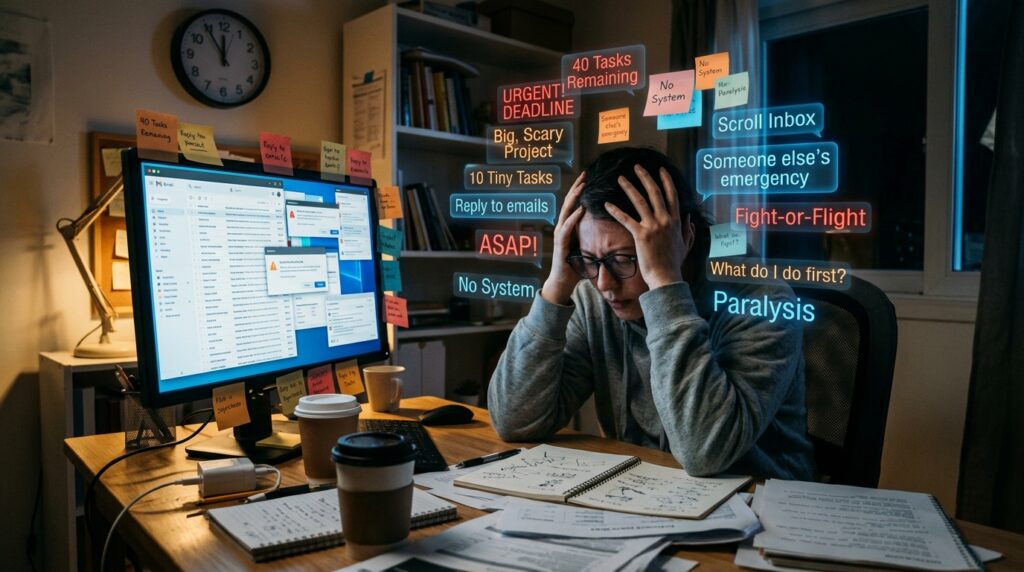
Let me paint a picture of what my desk used to look like about a year ago. It wasn’t just messy; it was a physical manifestation of my mental state.
I had yellow sticky notes clinging to the bottom of my monitor like barnacles on a ship. There were three different physical planners stacked on top of each other, all opened to different weeks, all partially filled out. My browser had so many tabs open that the icons had shrunk into unrecognizable slivers.
I was working twelve-hour days but constantly feeling like I was falling behind.
Every evening, I would close my laptop with a heavy sigh, carrying the weight of unfinished tasks into my personal time. My brain was a chaotic soup of “Did I email Sarah back?” and “I need to pay the electric bill.” I was suffering from severe productivity paralysis. I had the tools, but none of them were talking to each other.
I had tried everything. I even tested and reviewed countless platforms to find the perfect system, eventually writing a whole guide on the 10 Note-Taking Apps That Actually Help You Stay Organized, and while those tools were absolutely fantastic for capturing my random thoughts and meeting notes, they failed at one crucial thing: they didn’t tell me when to execute the work.
They were libraries, not engines. I needed an engine.
That’s when I stumbled upon TickTick.
Now, I know what you might be thinking. “Another to-do list app? Really?” I had the exact same reaction. I was incredibly skeptical. I had downloaded and uninstalled at least a dozen task managers in the past. They always felt too rigid, too complicated, or just too annoying to maintain.
But TickTick was different. It didn’t just change where I wrote my tasks down; it completely rewired how I approached my workday. Today, I want to take you under the hood and share my honest, lived experience with the app that finally brought order to my chaos.
The Breaking Point
Before we get into the features, you need to understand the exact problem I was trying to solve.
My biggest struggle wasn’t a lack of motivation. I am a hard worker. My issue was cognitive overload. When you have a list of forty tasks staring at you, your brain immediately goes into fight-or-flight mode. You don’t know where to start.
Should you tackle the big, scary project first? Or should you knock out ten tiny tasks to build momentum?
Because I didn’t have a system, I usually defaulted to the worst possible option: scrolling through my inbox, letting other people’s emergencies dictate my schedule. I was being reactive instead of proactive. I needed a tool that forced me to be intentional with my hours.
Discovering the Magic of Time-Blocking
The feature that instantly hooked me on this app was its calendar integration.
Most to-do lists are just endless, scrolling columns of text. You check one thing off, and another slides up to take its place. It feels like a treadmill that never stops.
TickTick allows you to view your tasks directly inside a built-in calendar. This sounds like a minor detail, but it entirely shifted my workflow. Instead of just writing down “Write marketing report,” I was able to drag that task onto my calendar for Tuesday between 10:00 AM and 11:30 AM.
This practice is called time-blocking, and it is a total game-changer.
When you assign a specific block of time to a task, you are making a contract with yourself. You aren’t just hoping you’ll get to it; you are reserving the space for it to happen. Seeing my day visually laid out like blocks of Tetris helped me realize exactly how much time I actually had. It stopped me from overcommitting. I could look at my Tuesday, see that it was completely full of blocks, and confidently say “no” to new requests.
The Built-in Focus Timer
If you’ve read my previous thoughts on How I Reduce Distractions Using Mobile Apps, you already know that maintaining deep focus is a constant battle for me. My smartphone is a temptation machine, constantly buzzing with notifications that pull me out of the zone.
This brings me to my absolute favorite feature of the app: the built-in Pomo Timer.
For those unfamiliar, the Pomodoro Technique is a time management method where you work for 25 minutes, then take a 5-minute break. It sounds simple, but it is incredibly effective for beating procrastination.
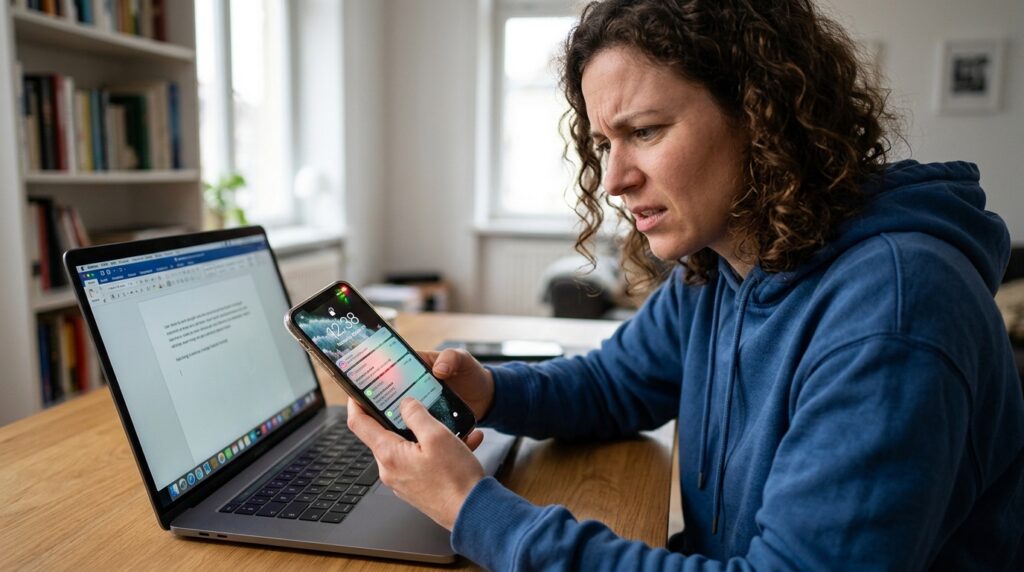
Before using this app, I used a separate timer app on my phone. The problem was, picking up my phone to start the timer meant I saw my lock screen, which was full of Instagram and WhatsApp notifications. By the time I started the timer, I was already distracted.
TickTick has a focus timer built directly into the task manager.
Here is how I use it: I sit down at my desk, open my time-blocked calendar, click on the task I need to do (let’s say, “Draft blog post”), and hit the “Start Focus” button right there on the screen.
A sleek timer takes over, and ambient white noise (I prefer the sound of rain) starts playing. I don’t have to touch my phone. I don’t have to open another tab. The friction between “deciding to work” and “actually working” was completely eliminated. The app even tracks my “Focus Hours,” giving me a deeply satisfying chart at the end of the week showing exactly how many hours of deep, uninterrupted work I achieved.
Blending Habits with Tasks
Another area where my previous systems failed was the separation of work and life.
I used to have one app for my work projects, another app to track my water intake, and a physical journal to track my reading habits. It was exhausting.
I desperately wanted a unified dashboard for my life. This was essential for me, especially as I was figuring out How I Automated My Daily Tasks With Mobile Apps. I wanted everything streamlined.
TickTick includes a habit tracker that lives right next to your daily tasks.
Every morning, when I open my daily view, I don’t just see “Client Meeting at 2 PM.” I also see “Drink 8 glasses of water,” “Read 10 pages,” and “Stretch for 15 minutes.”
Checking off these personal habits gives me a hit of dopamine before I even start my professional work. It blurs the line between “productivity” and “wellness.” It reminded me that taking care of my body and mind is just as important as meeting my deadlines. If I don’t sleep well or hydrate, my work suffers. Having everything in one view forces me to prioritize my well-being alongside my output.
A Walkthrough of My New Daily Routine
To give you a real sense of how this app changed my life, let me walk you through my current daily routine. It is a night-and-day difference from the chaotic desk I described earlier.
7:00 AM – The Morning Review I make my coffee, sit down, and open the app on my iPad. I never look at my email first. Email is a list of other people’s priorities. Instead, I look at my “Today” view.
I spend about five minutes organizing the list. I drag the most important task (what productivity nerds call “eating the frog”) to the very top. I check my habit list and immediately cross off “Morning Vitamins.”
9:00 AM – Deep Work I start my first time block. I select my most critical task, hit the built-in focus timer, and put on my noise-canceling headphones. For the next 90 minutes, I exist entirely within that single task. The app prevents me from seeing the rest of my list, so I don’t get overwhelmed.
12:00 PM – The Inbox Dump Throughout the morning, random thoughts pop into my head. “Buy almond milk.” “Call mom.” “Check the analytics report.”
Instead of acting on them immediately and breaking my focus, I quickly type them into the app’s global “Inbox” folder using a keyboard shortcut. I don’t categorize them or set dates. I just get them out of my brain. At noon, I take 10 minutes to process this inbox, dragging those random thoughts into their proper folders and assigning them dates.
5:00 PM – The Shutdown Ritual This is the most important part of my day, and the app makes it seamless. Before I close my laptop, I look at what I accomplished. I check off my final tasks. Then, I look ahead to tomorrow. I adjust my time blocks, ensuring tomorrow’s workload is realistic.
When I close the app, I am truly done for the day. I leave work at work. My mind is quiet.
Let’s Talk About the Flaws
I promised an honest review, so I can’t just shower the app with praise. There are a few things that frustrate me.
First, the sheer number of features can be incredibly overwhelming at first glance. When you first install it, you are bombarded with lists, tags, folders, priorities, smart lists, and calendars. It takes a solid week of tinkering to hide the features you don’t need and streamline the interface.
Second, the natural language processing (typing “Meeting tomorrow at 4pm” and having it auto-schedule) is good, but not perfect. It occasionally misinterprets my commands, requiring me to manually fix the date and time. It’s a minor annoyance, but when you are trying to move fast, every second counts.
Finally, while the free version is generous, the calendar view—which I consider the app’s most vital feature—is locked behind the premium subscription. It’s not incredibly expensive, but it is an ongoing cost you have to factor in.
Why It Finally Stuck
I’ve spent a lot of time thinking about why this specific app succeeded where so many others failed me.
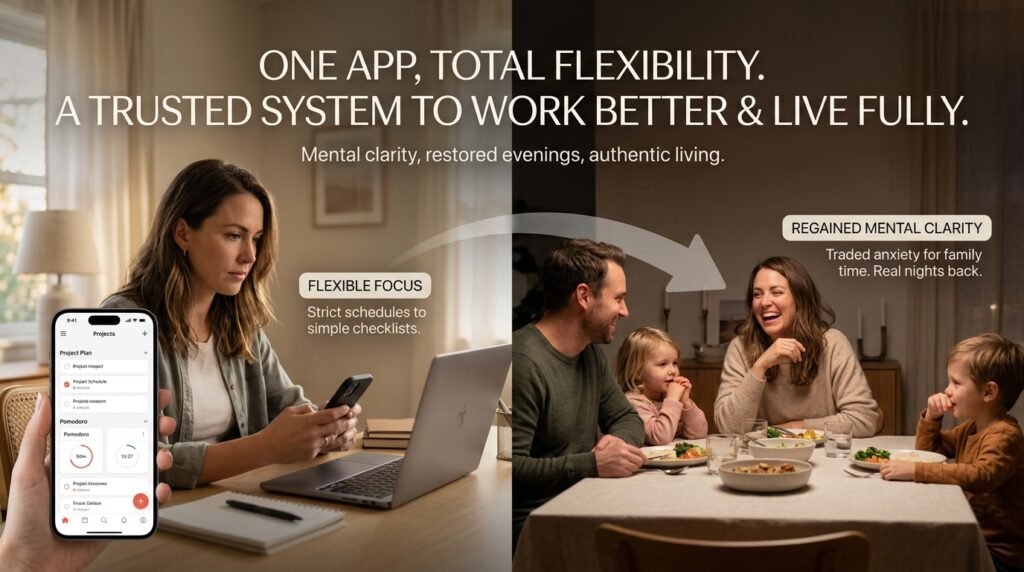
I think it comes down to flexibility. Our energy levels fluctuate. Some days, I am laser-focused and want to strictly manage every minute using the calendar and Pomodoro timer. Other days, I am exhausted and just want a simple checklist to get through the bare minimum.
This app accommodates both versions of me. It can be as complex or as simple as I need it to be on any given Tuesday.
More importantly, it gave me back my evenings. Before I had a trusted system, I was constantly carrying the anxiety of uncompleted work into my dinner conversations and my time with family. I was physically present, but mentally, I was still at my desk, worrying about what I was forgetting.
By getting everything out of my head and into a system I actually trust, I bought back my mental clarity.
Final Thoughts
Productivity is an incredibly personal journey. What works for my brain might not work for yours. You might prefer physical paper, or you might prefer a massive, complex database.
But if you are feeling the way I was—overwhelmed, reactive, and constantly playing catch-up—I highly recommend re-evaluating not just where you write your tasks, but how you manage the time required to do them.
Finding the right mobile app isn’t just about getting more work done so you can do even more work. It’s about organizing your responsibilities so efficiently that you can finally log off, step away, and actually enjoy your life. And for me, that peace of mind is worth every single penny.
