
There was a morning not too long ago when I woke up, rolled over, and grabbed my smartphone off the nightstand before my eyes were even fully open.
My thumb, operating purely on deeply ingrained muscle memory, tapped the Instagram icon. I scrolled for five minutes, absorbed a handful of random photos, and then closed the app. Half a second later, I opened X (formerly Twitter) to check the trending news. I read a few angry threads, closed it, and immediately opened TikTok. Ten minutes of short-form videos later, I migrated over to LinkedIn to see if I was missing out on any professional milestones.
By the time I finally put my phone down and actually got out of bed, forty-five minutes had vanished. I hadn’t even brushed my teeth yet, but my brain was already completely exhausted.
I was suffering from severe digital fatigue.
We live in an era where everyone is expected to be everywhere all at once. You need Instagram for your friends, X for real-time news, LinkedIn for your career, TikTok for entertainment, and maybe Facebook for your family or local community groups. Trying to actively maintain a presence on four or five different social networks is practically a part-time job.
If you aren’t careful, these applications will completely hijack your attention span, fracture your daily focus, and leave you feeling constantly overwhelmed. But you don’t have to delete your accounts and move to a cabin in the woods to find peace. You just need a better system.
If you are tired of feeling like a slave to your feeds, here are the absolute best tips for managing multiple social media apps efficiently, allowing you to stay connected without losing your mind.
1. The Great Notification Purge (Taking Back the Keys)
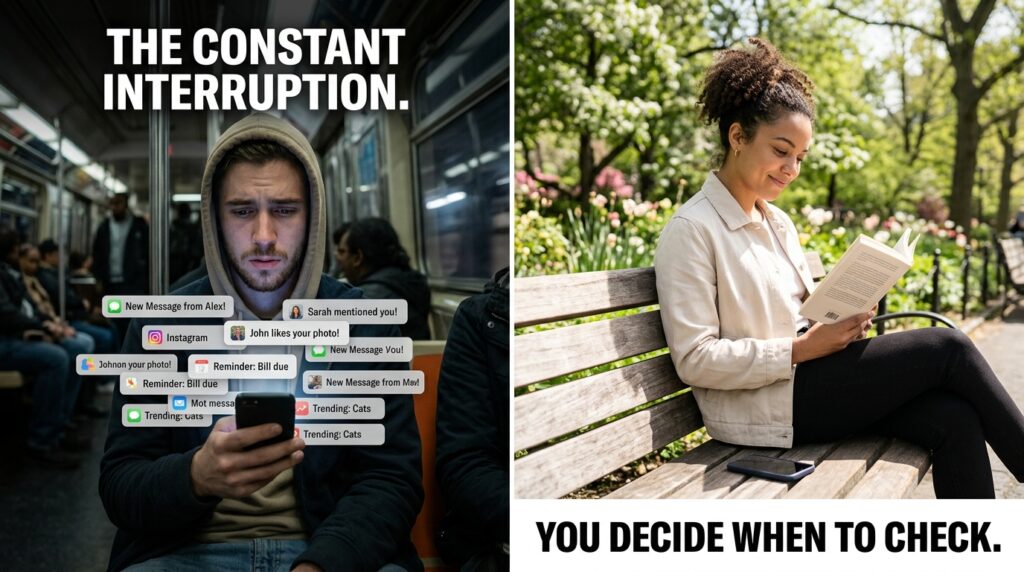
The absolute worst way to manage multiple social media apps is to let them dictate when you open them.
App developers use push notifications as a psychological weapon. They know that if your phone vibrates and flashes a message saying, “John and 4 others commented on a post,” your brain will release a tiny spike of cortisol. You will feel an intense, manufactured urgency to open the app and see what the comment says, completely derailing whatever you were previously doing.
If you have five social media apps installed, and they are all allowed to send you push notifications, your phone is going to ring constantly.
You have to take the keys back.
I went into my smartphone’s master settings and performed a ruthless notification purge. I completely disabled all push notifications for every single social media app on my phone. No badges, no banners, no vibrations, no lock screen alerts.
If someone tags me in a photo on Instagram, I don’t know about it until I actively decide to open the Instagram app. Reclaiming this digital boundary was the most crucial step I took, an evolution I detailed heavily when I wrote about How I Reduce Distractions Using Mobile Apps.
You should be the one who decides when it is time to check social media. The software should never be allowed to interrupt your actual life.
2. Time-Boxing Your Scrolling Sessions
Once you turn off the notifications, you will realize how often you open these apps just out of sheer boredom. Standing in line at the grocery store? Open X. Waiting for the microwave to finish? Open TikTok.
This fragmented, constant checking fractures your attention and makes it impossible to focus on deep work.
To manage multiple platforms efficiently, you have to stop “checking” them and start “scheduling” them. This concept is called time-boxing.
I treat my social media consumption like a daily appointment. I allow myself two strict blocks of time per day to interact with my feeds. I have a twenty-minute block in the morning while I drink my coffee, and a thirty-minute block in the evening after dinner.
During those blocks, I am fully engaged. I will open LinkedIn, reply to comments, send messages, and post updates. Then I will move to Instagram, catch up with my friends’ stories, and leave meaningful replies.
When the timer goes off, I close the apps and I do not look at them again for the rest of the day. By compartmentalizing your usage, you still get all the benefits of staying connected, but you instantly buy back hours of your daily life.
3. Ruthless Curation (The Unfollow Spree)
If managing your social media feels like a heavy, stressful chore, it is probably because your feeds are filled with garbage you don’t actually care about.
Over the years, we accumulate thousands of digital connections. We follow brands we bought one shirt from in 2018. We follow influencers who make us feel inadequate about our bodies or our bank accounts. We follow distant acquaintances from high school who only post political rants.
When you follow 2,000 people across four different platforms, logging in feels like walking into a crowded, screaming stadium.
You need to curate your environment. I dedicated an entire Sunday afternoon to auditing my following lists, a process of digital minimalism that perfectly aligned with the mindset I shared in 10 Apps That Helped Me Declutter My Digital Space.
I asked myself a very simple question for every account: Does seeing this person’s content add value, joy, or necessary information to my life?
If the answer was no, I hit unfollow. I muted relatives I couldn’t politely unfollow. I removed massive meme pages that were just cluttering my timeline.
When you aggressively prune your feeds down to a few hundred high-quality accounts, checking multiple platforms stops feeling overwhelming. The feeds become quiet, curated magazines filled only with the topics and the people you genuinely love.
4. Separate “Creation” from “Consumption”
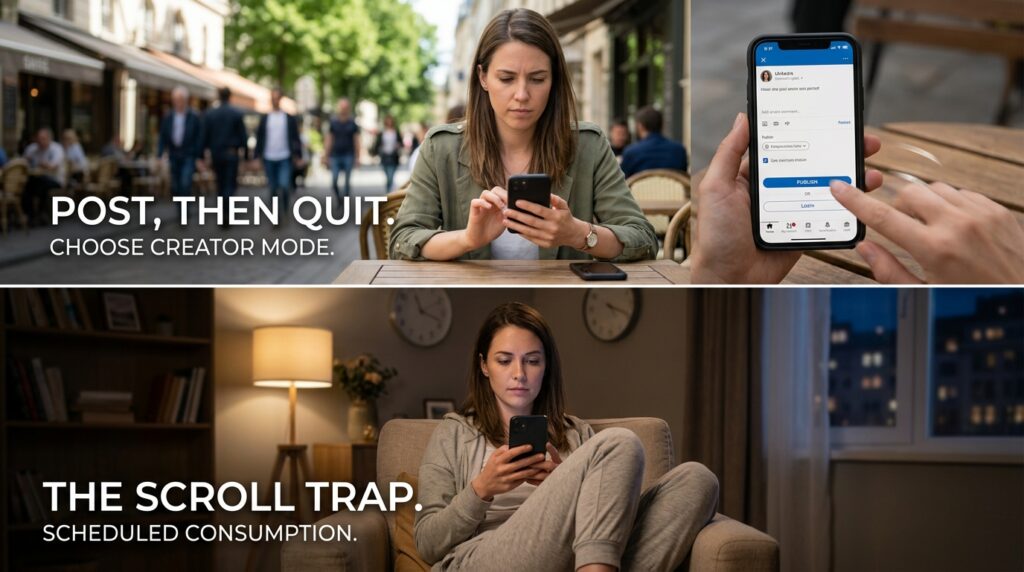
If you use social media for your business, your personal brand, or even just as a creative outlet, you have likely fallen into the “Post and Scroll” trap.
You open the app with the pure intention of uploading a new photo or sharing a quick thought. You hit publish. But because you are already inside the app, you figure you might as well look at the feed. Forty minutes later, you are deep in a comment section argument with a stranger, completely forgetting what you originally opened the app to do.
To be efficient, you must separate the act of creation from the act of consumption.
When I need to post content across my platforms, I operate in “Creator Mode.” I open LinkedIn, paste my update, hit post, and instantly force-close the app before my eyes even have a chance to look at the timeline. I open Instagram, upload my Reel, and close it immediately.
I do not consume any content while I am creating. I save the consumption for my dedicated evening time-block. By keeping these two psychological states completely separate, I ensure that my output is never derailed by the infinite scrolling algorithms.
5. Utilize Third-Party Aggregators (For Power Users)
If managing multiple accounts is a mandatory part of your job, jumping back and forth between five different mobile apps is a wildly inefficient way to work.
You need to centralize your command center.
Instead of opening the native applications on my phone, I started using third-party social media management tools like Buffer, Hootsuite, or Metricool. These platforms allow you to connect your X, LinkedIn, Instagram, and Facebook accounts into one single, unified dashboard.
On Monday mornings, I sit at my computer, write out all my posts for the entire week, and schedule them to automatically publish across all my platforms at specific times. The software handles the distribution completely in the background.
I don’t even need to have the native social media apps installed on my phone during the workday. Building this kind of centralized, automated workflow is the exact methodology I rely on, which I discussed heavily in Strategies I Learned From Productivity Apps That Actually Work. If you can automate the output, you instantly remove 50% of the daily stress.
6. Single-Tasking Your Platforms (Defining the Purpose)
One of the reasons we feel so overwhelmed is that we treat all social media platforms exactly the same. We cross-post the exact same content to every platform and expect the exact same type of engagement.
This causes massive cognitive dissonance because each platform speaks a fundamentally different language.
You have to clearly define the specific “job” of each app on your phone, and only use it for that specific job.
For me, the rules are rigid:
-
LinkedIn is purely for professional networking and industry news. I do not look for entertainment here.
-
Instagram is my visual diary and the primary way I message my close real-life friends.
-
X (Twitter) is my real-time news ticker. I only open it during major live events or when I need immediate, breaking context.
-
TikTok is strictly for winding down. I treat it like television.
By single-tasking my platforms, I know exactly what kind of energy I am bringing to the app before I even tap the icon. If I am in a serious, working mindset, I open LinkedIn. If I want to laugh, I open TikTok. I don’t try to force one platform to fulfill every single human need.
7. Hide the Apps in Folders (Adding Intentional Friction)
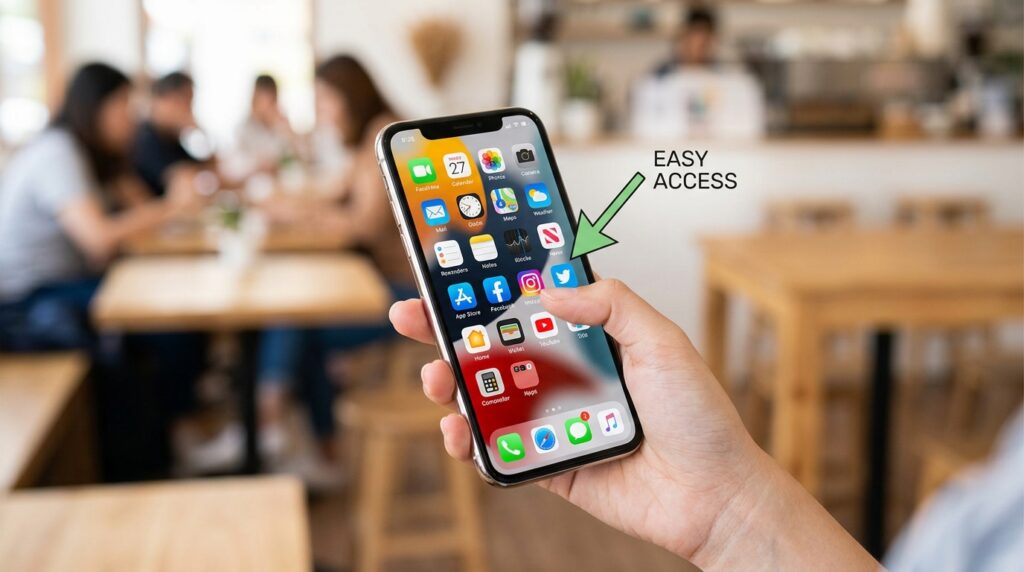
The user interface of your smartphone is designed to make opening an app as frictionless as possible. The bright, colorful icons sit right on your home screen, begging your thumb to tap them.
If you want to manage your usage efficiently, you need to artificially introduce friction back into the process.
I took all of my social media apps off my primary home screen. I created a folder called “Social,” put all the apps inside it, and moved that folder to the very last page of my phone’s layout.
Now, if I want to check Instagram, I can’t just unlock my phone and tap it automatically. I have to unlock the phone, swipe right three times, open a folder, and select the app.
It takes an extra three seconds, but those three seconds act as a crucial speed bump for my brain. During that brief pause, my conscious mind has a chance to intervene and ask, “Wait, do we actually need to look at this right now, or are we just bored?” Nine times out of ten, I realize I am just bored, and I put the phone back in my pocket.
Final Thoughts: The Tool, Not the Master
Social media is an incredible invention. It allows us to maintain friendships across oceans, discover incredible new artists, and build professional networks that would have been impossible a decade ago.
But it is also a highly engineered slot machine designed to harvest human attention.
When you try to actively manage four or five of these platforms without a system, the slot machines will always win. You will be pulled in a dozen different directions, constantly reacting to notifications, and burning out on digital noise.
You have to decide that you are the master of your device.
Take thirty minutes today to fundamentally change your relationship with these apps. Turn off all the notifications. Unfollow the accounts that stress you out. Move the colorful icons off your home screen. Schedule exactly when you are allowed to log in.
When you stop treating social media as a constant, passive background hum in your life, and start treating it like a specific tool that you only pick up when you need it, the overwhelm completely disappears. You finally get to enjoy the connection without sacrificing your peace.
