
Let me take you to a very specific moment that completely broke my relationship with my smartphone camera.
I was sitting on the rocks at Arpoador, here in Rio de Janeiro, watching the sunset. If you’ve never been, there is a beautiful local tradition where the entire beach breaks into applause the moment the sun finally dips below the horizon. The sky that evening was an absolute masterpiece. It was a violent, beautiful collision of deep violet, fiery orange, and bruised magenta.
I pulled out my phone, eager to capture the sheer scale of it. I pointed my camera at the horizon, tapped the screen, and hit the shutter button.
When I looked at the preview, my heart sank.
The image wasn’t just bad; it was a complete misrepresentation of reality. My phone’s default camera software had aggressively stepped in to “help” me. It artificially brightened the moody shadows on the rocks, turning them a washed-out gray. It entirely neutralized the deep purples in the sky, trying to force the image into a perfectly balanced, sterile color palette. It looked like a generic stock photo, completely stripped of all the raw emotion and atmosphere of that actual moment.
For a long time, I thought this was just a hardware limitation. I assumed that unless I was willing to carry around a heavy, expensive DSLR camera and three different lenses, I was doomed to have “pretty good but slightly fake” smartphone photos.
I was entirely wrong. The problem wasn’t the glass lens on the back of my phone; the problem was the invisible software algorithm making artistic choices on my behalf.
I needed to fire my phone’s robotic brain and take back control. That decision led me to download a dedicated, manual photography app that fundamentally changed how I see the world, and more importantly, how I capture it.
The Tyranny of Computational Photography
Before we dive into the solution, we have to understand the enemy.
Modern smartphone cameras rely heavily on something called “computational photography.” Because the physical sensors in our phones are so tiny, the software compensates by rapidly taking a dozen different photos every time you press the shutter. It then instantly mashes them all together, taking the bright parts from one photo and the dark parts from another, to create an evenly lit image.
Most of the time, for a quick picture of your lunch or a selfie with a friend, this is incredibly useful.
But when you are trying to capture something dramatic—like a silhouette against a bright window, or the moody shadows of a dimly lit restaurant, or the vibrant, uncorrected colors of a sunset—computational photography ruins the shot. It tries to fix things that aren’t broken. It flattens the contrast and destroys the mood.
I realized I didn’t want my phone to think for me anymore. I wanted an app that simply recorded exactly what was in front of the lens. Nothing more, nothing less.
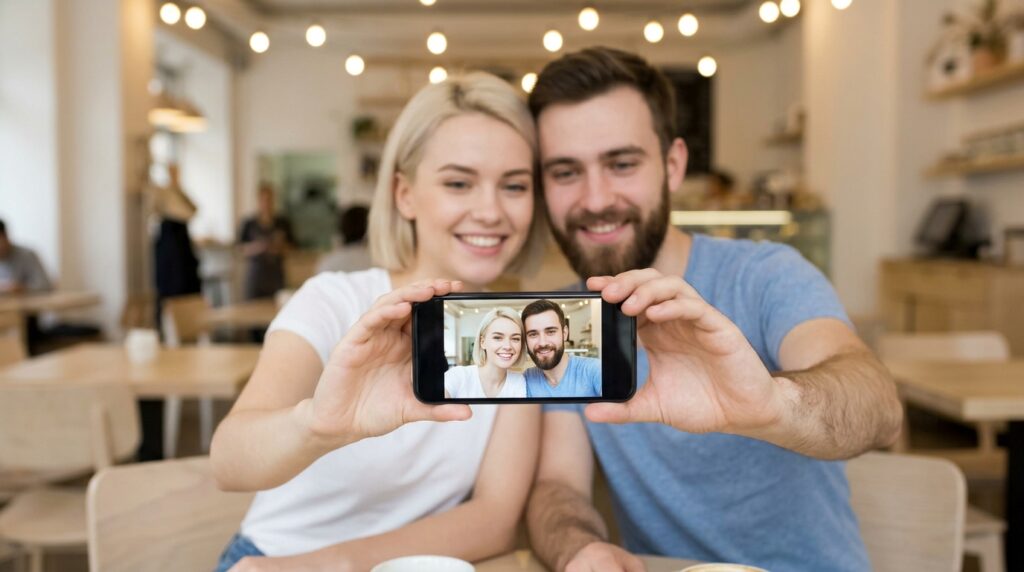
Stepping Into the Manual Cockpit
The first time I opened this new manual camera app, I felt a wave of intimidation.
Unlike the native camera app, which just has a big round button and nothing else, this interface looked like the dashboard of an airplane. There were sliders for ISO, shutter speed, white balance, and manual focus. There were histograms jumping up and down at the top of the screen.
It felt like I had to learn a completely new language. But the beauty of a well-designed mobile application is that it guides you into the deep end slowly.
I started with the simplest, yet most profound change: exposure compensation.
In a native camera app, if you want to make a photo darker, you tap the screen and drag a tiny sun icon down. But the moment you move your phone, the camera automatically resets it. It constantly fights you.
In my new app, I could just dial down the exposure and lock it. I remember walking through a narrow alleyway with harsh sunlight streaming in from above, creating incredible, sharp geometric shadows on the cobblestones. I lowered the exposure slider to make the shadows pitch black and the sunlight blindingly white.
I took the shot. The app didn’t try to brighten the shadows. It didn’t try to balance the scene. It just captured the stark, moody contrast exactly as I envisioned it. It was the first time a photo taken on my phone genuinely felt like art.
The Absolute Game Changer: RAW Capture
If there is one single feature that elevates your photography from amateur snapshots to professional-grade imagery, it is shooting in RAW format.
Let me explain the difference between a standard JPEG and a RAW file using a baking analogy.
When your default camera shoots a JPEG, it gathers all the ingredients (the light data), bakes the cake, puts the frosting on it, and hands you the final product. If you decide later that you don’t like chocolate frosting, it’s too late. The cake is already baked. If you try to edit a JPEG, the colors will quickly fall apart, and the image will look grainy and compressed.
A RAW file, on the other hand, is just the raw ingredients. It doesn’t compress anything. It doesn’t apply any artificial sharpening or color correction. It captures every single photon of light data hitting the sensor and saves it in a massive, unedited file.
The first time I shot a RAW portrait of my partner, I was shocked. Straight out of the camera, the photo looked a bit dull and flat. But then I imported that massive file into my editing suite.
Because all the original light data was preserved, I could pull incredible detail out of the darkest shadows without any pixelation. I could rescue the brightest highlights in the sky that would have been completely blown out and white in a JPEG. The flexibility was astonishing. I could mold the lighting and colors exactly to my liking.
Of course, shooting in RAW means you actually have to edit your photos later; they aren’t ready to post immediately. Developing a solid workflow is crucial, which is why I’ve spent so much time exploring (How to Edit Photos Like a Pro on Your Phone). The combination of capturing an uncompressed RAW file and running it through a professional-grade mobile editor is the undisputed secret to achieving that cinematic look.
Mastering the Focus Peak
Let’s talk about the frustration of the “fake blur.”
Portrait mode on modern smartphones is an incredible piece of software engineering, but it is ultimately just an algorithm guessing what should be in focus and what shouldn’t. Have you ever taken a portrait mode photo of someone with curly hair, or someone wearing glasses, and noticed that chunks of their hair or the edges of their frames are awkwardly blurred out?
The software gets confused by complex edges. It ruins the illusion.
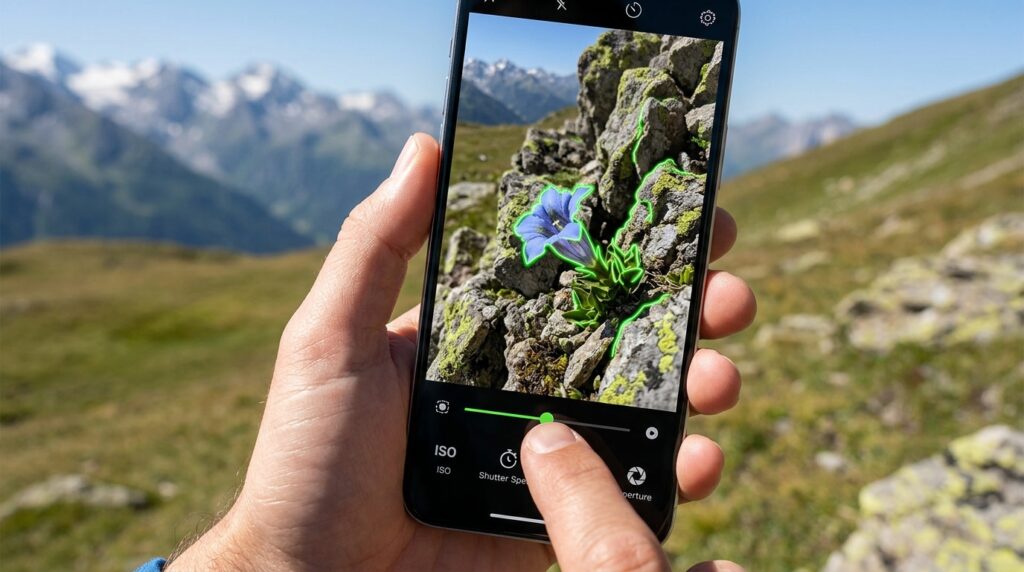
My manual app gave me access to something called “Focus Peaking.” This is a tool previously reserved for high-end video cameras.
When I turn it on, the app highlights the exact edges of whatever is currently in razor-sharp focus with a bright neon green outline. As I slide the manual focus dial with my thumb, I can watch that green highlight physically travel through the scene, from the flower in the foreground to the mountains in the background.
I no longer have to rely on the auto-focus aggressively jumping back and forth.
Last month, I was hiking in the Tijuca Forest and spotted a tiny, incredibly vibrant tree frog sitting on a massive tropical leaf. If I had used my native camera, the auto-focus would have undoubtedly locked onto the giant leaf, leaving the tiny frog blurry.
Instead, I engaged my manual focus. I slid the dial until the frog’s eye glowed neon green with the focus peaking indicator. I snapped the picture. The resulting image was astonishingly sharp. The optical blur behind the frog was natural, created by the actual physics of the lens, not by a confused piece of AI software.
Playing with Time: Shutter Speed
The final major hurdle I crossed was learning how to control time.
Your smartphone camera usually wants to freeze time completely to ensure your photo isn’t blurry. It defaults to a very fast shutter speed. But sometimes, motion is the entire point of the photo.
I started playing with the manual shutter speed slider in my app.
One evening, I stood on an overpass looking down at the highway traffic. I slowed my shutter speed down to one full second. I kept my hands as steady as possible and hit the button.
Instead of freezing the cars as blurry, static boxes, the slow shutter speed allowed the headlights and taillights to stretch into long, beautiful, flowing rivers of red and white light, streaking through the dark city.
Conversely, I used a blazing fast shutter speed at the beach to capture a wave crashing against the rocks. The water didn’t look like a soft, white blur; it looked like thousands of individual, frozen shards of glass suspended mid-air.
Controlling the shutter speed allowed me to tell completely different stories with the exact same scene. It turned photography from a passive act of “recording” into an active act of “creating.”
The Digital Darkroom Ecosystem
Once you step into the world of manual photography, you realize that taking the picture is only half of the journey.
Because I am now shooting entirely in RAW format, my phone has essentially become a fully functional digital darkroom. I don’t just take a photo and forget about it. I take a photo with the intention of developing it later.
Having the right supplementary tools is vital. You can’t just slap a vintage filter on a 25-megabyte RAW file and expect it to look good. I had to curate an entire suite of applications to support this new hobby, an evolution I detailed when I reviewed the (10 Photo Editing Apps I Keep on My Phone).
When my manual camera app passes the baton to my editing apps, I have complete control over the luminance of specific colors, the geometry of the lens distortion, and the exact grain structure of the image. The synergy between capturing clean data and processing it intelligently is where the true magic happens.
Changing How I Share My View
The final step, of course, is sharing these creations with the world.
When your photos suddenly start looking like they were pulled from a magazine editorial, people notice. My friends started asking me what kind of expensive camera I bought. When I told them I just used my phone and a specialized app, they were in disbelief.
It entirely shifted my relationship with social media. I stopped posting fifty random snapshots of my day. I started posting singular, highly curated, beautifully lit images.
I wanted the presentation of my photos to match the effort I was putting into taking them. This required me to actually study the platforms I was using, leading me to uncover several (Instagram Tricks That Completely Changed How I Use It). By understanding how to format, export, and present these high-quality images without the compression algorithms ruining them, my digital gallery finally reflected my actual vision.
Slowing Down to See More
The most profound impact of downloading this app wasn’t the technical quality of my images. It was the psychological shift it forced upon me.
The default camera app on your phone is designed for speed. Pull it out, double-tap, click, put it away. It is designed to be thoughtless.
Manual photography is the exact opposite. It demands your attention.
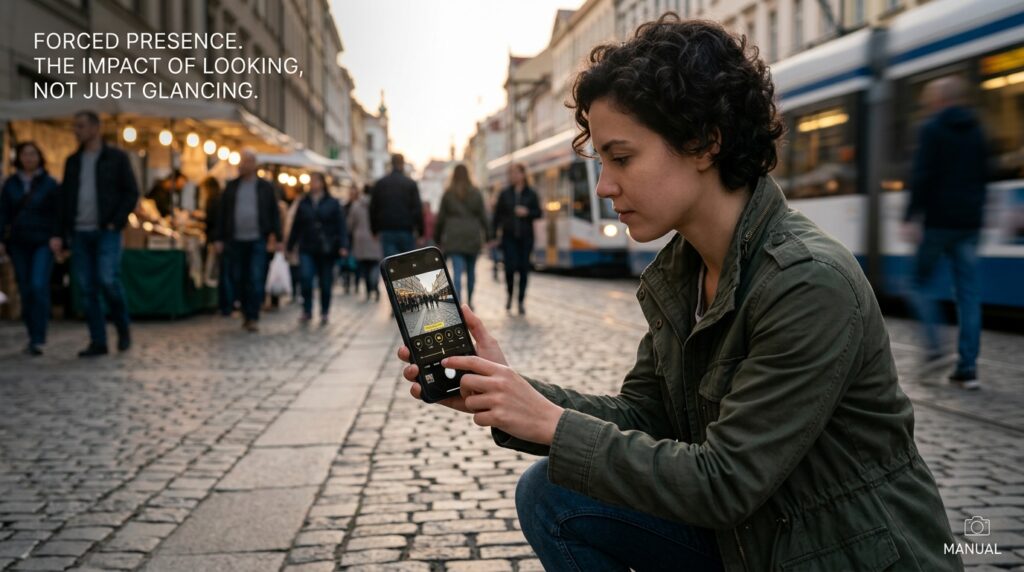
When I see a beautiful scene now, I don’t just snap a picture and keep walking. I stop. I open my app. I look at the lighting. Is the subject backlit? Do I need to lower the exposure? Should I manually focus on the foreground or the background? What is the story I am trying to tell here?
This app forces me to actually look at the world, rather than just glance at it.
It acts as an anchor, pulling me out of the chaos of my daily routine and forcing me to be intensely present in the current moment. I have to pay attention to the direction of the shadows, the temperature of the light, and the subtle movements of the people around me.
Final Thoughts
We walk around every single day with an absolute marvel of optical engineering sitting right in our pockets. But most of us are driving a sports car locked in first gear.
The software that comes pre-installed on your phone is designed to make photography foolproof. It is designed to ensure you never take a completely terrible photo. But in doing so, it also ensures you rarely take a truly breathtaking one. It traps you in the middle ground of mediocrity.
If you feel uninspired by your camera roll, if your memories look flat and lifeless, I challenge you to step out of the automated comfort zone.
Download a manual camera application. Turn off the AI enhancements. Turn off the computational algorithms. Give yourself the freedom to underexpose a shot. Give yourself the freedom to play with the focus.
It will be frustrating at first. You will take a few blurry photos. You will mess up the lighting. But once you understand how to speak the language of light and shadows for yourself, you will never look at your smartphone camera—or the world around you—the same way again.
