
There was a distinct period in my life where my brain felt like a computer browser with seventy-five tabs open, and music was playing from one of them, but I couldn’t figure out which one.
I was trying to hold my entire life together using a chaotic mixture of sheer willpower, scattered sticky notes, and a terrifying reliance on my own short-term memory. If someone asked me to do something, I would simply say, “Sure, I’ll remember that,” and then promptly forget it three hours later.
My calendar was reserved strictly for “official” things like doctor’s appointments or massive corporate meetings. My reminder app was a digital graveyard where grocery lists went to die. I was constantly dropping the ball, apologizing for missed deadlines, and waking up in the middle of the night in a cold sweat because I remembered I hadn’t paid the electric bill.
The breaking point came when I missed a crucial lunch with a friend simply because the text message had gotten pushed down in my inbox, and I had never bothered to lock the date into my schedule.
I realized that the human brain is a phenomenal tool for having ideas, but it is an absolutely terrible tool for storing them.
I decided to fundamentally change my relationship with the native apps on my smartphone. I stopped viewing my calendar as a passive record of meetings and started viewing it as a fiercely guarded blueprint of my life. I stopped treating my reminders app like a junk drawer and started treating it like a personal assistant.
If you are tired of feeling like you are constantly one step behind your own life, it is time to upgrade your system. Here are the most aggressive, effective productivity hacks using calendar and reminder apps that completely changed how I operate.
1. Zero-Based Calendaring (Time Blocking)
The biggest mistake most people make is maintaining a massive, sprawling to-do list completely separate from their calendar.
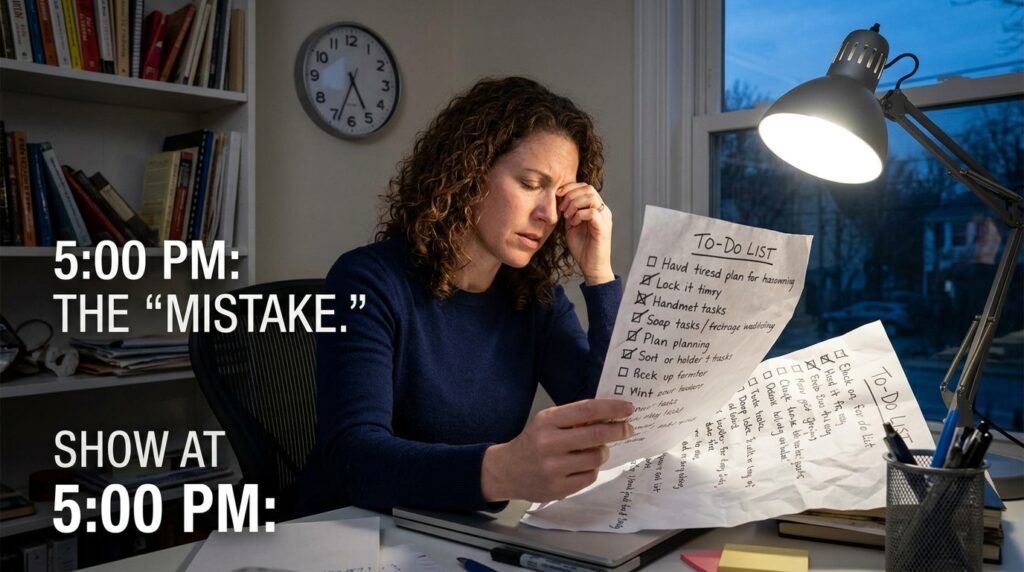
A to-do list exists in a fantasy realm where the laws of physics do not apply. You can write down thirty massive tasks for a Tuesday, completely ignoring the fact that Tuesday only has twenty-four hours. This inevitably leads to the daily phenomenon where you reach 5:00 PM, look at your list, realize you only crossed off two things, and feel like a profound failure.
To fix this, I adopted a strategy called “Zero-Based Calendaring.”
Every single task that takes longer than fifteen minutes gets dragged off the to-do list and forced onto the calendar as a physical block of time. If I need to draft a marketing proposal, I don’t just leave it on a list. I open my calendar and I literally block out 9:00 AM to 11:00 AM on Wednesday.
This forces you to confront the physical reality of your day. When you map your tasks onto a timeline, you suddenly realize that you cannot actually do thirty things on a Tuesday. It forces you to prioritize. Integrating this philosophy was the core concept I explored when writing about Tools That Help Me Plan My Week Without Stress. When your schedule is your to-do list, the guesswork disappears. You wake up, look at the block of time, and simply execute whatever the calendar tells you to do.
2. Defensive Scheduling for Deep Work
In the modern corporate world, an empty calendar is viewed as an invitation. If your colleagues look at your shared company schedule and see blank white space on a Thursday afternoon, they will assume you are completely free and will gladly fill that space with a “quick alignment sync” or a “brainstorming session.”
If you do not actively defend your time, someone else will happily steal it.
I started practicing defensive scheduling. At the beginning of every week, I look at my most important, complex projects—the things that require intense, unbroken concentration. I immediately go into my calendar and create three-hour events titled “Deep Work Block” or “Do Not Book.”
I set my status during these blocks to “Busy” and mute my messaging apps.
This creates a digital fortress around my most productive hours. If a coworker wants to schedule a meeting, they have to navigate around my deep work blocks. By treating my own solo work with the exact same level of respect and rigidity as a meeting with my CEO, I stopped letting office interruptions dictate my productivity.
3. The Magic of Location-Based Reminders
We usually tie our reminders to a specific time. We tell our phones, “Remind me to buy batteries at 5:00 PM.”
The problem is, at 5:00 PM, you might be stuck in bumper-to-bumper traffic on the highway. The reminder pops up, you swipe it away because you can’t do anything about it in that exact moment, and you completely forget to buy the batteries.
Time-based reminders often fail because they lack context. But most native reminder apps (like Apple Reminders or Google Keep) have a hidden superpower: GPS integration.
You can set location-based reminders.
Now, when I realize I need batteries, I open my app and say, “Remind me to buy batteries when I arrive at the hardware store.” I type in the physical address of the store. I don’t care if I go to the store tomorrow, next Tuesday, or three weeks from now.
The exact second my car pulls into the parking lot of that specific hardware store, my phone’s GPS triggers the notification. My phone vibrates, and the list pops up on my screen right when I actually have the power to execute the task. You can set reminders for when you arrive at the office, when you leave the gym, or when you get home. It completely changes the game.
4. Automating the Boring Chores (Recurring Reminders)
There is a category of tasks in life that are incredibly important but so incredibly boring that our brains actively try to forget them.
When was the last time you changed the air filter in your HVAC system? When are you supposed to give your dog their monthly flea medication? When does your passport expire?
Trying to hold these random, spaced-out responsibilities in your head is a massive waste of cognitive bandwidth. I decided to completely offload the administrative burden of running a household to my reminder app.
I sat down one Saturday and created a massive list of recurring tasks. I set a reminder to “Change the air filter” and set it to repeat every 90 days. I set a reminder to “Water the desk plant” and set it to repeat every Tuesday morning. I set a reminder to “Check tire pressure” on the first Sunday of every month.
Creating these automated loops was a massive relief, a psychological shift I leaned into heavily when explaining Apps That Keep Me Motivated to Finish Tasks. I no longer worry about the maintenance of my life. The app keeps track of the complicated math, and I just do what the notification tells me to do when it finally pops up.

5. Color-Coding Your Energy Map
If you open your calendar and everything is the exact same color, it is visually exhausting. You can’t tell at a glance what kind of day you are going to have. You just see a wall of text.
I completely overhauled the visual hierarchy of my calendar by color-coding it based on the energy required for the task.
Meetings and Zoom calls—which require a high level of extroversion and performative energy—are coded bright red. Deep work blocks, where I need silence and focus, are coded deep blue. Personal errands, gym time, and lunch breaks are coded green. Administrative tasks, like replying to emails and paying invoices, are yellow.
When I look at my week on a Sunday night, I don’t have to read the events to know what is coming. If I see a Tuesday that is completely painted red, I know I am going to be exhausted by 5:00 PM. I know I shouldn’t schedule a heavy gym session that night. If I see a Thursday that is mostly blue, I know I have a glorious day of uninterrupted focus ahead of me.
Color-coding turns your calendar from a simple schedule into a highly predictive map of your biological energy.
6. The 15-Minute Buffer Rule
The shift to remote work created a deeply toxic calendaring culture: the back-to-back meeting.
Because we no longer have to physically walk down a hallway from one conference room to another, people assume we can instantly teleport from a 1:00 PM meeting to a 2:00 PM meeting. We spend all day staring at screens without taking a single breath, going to the bathroom, or grabbing a glass of water.
This destroys your productivity because you have zero time to process the information from the first meeting before you are thrown into the second.
I hacked my calendar settings to fix this. In Google Calendar (and Outlook), there is a setting called “Speedy Meetings” or “Shorten Events.”
When you toggle this on, the software automatically modifies your default meeting durations. A 30-minute meeting is automatically scheduled for 25 minutes. A 60-minute meeting is automatically scheduled for 50 minutes.
By forcing the software to build a mandatory 5-to-10 minute buffer into every single block of time, I legally bought back my breathing room. It gives me time to stand up, stretch, process my notes, and mentally reset before the next call begins. It is a tiny software tweak that dramatically reduces daily burnout.
7. The Nightly “Brain Dump” Routine
No matter how organized your calendar is, the reality of human life is that random anxieties will still pop into your head at the worst possible moments—usually right as you are trying to fall asleep.
“Did I email the accountant? I need to buy a birthday present for Mom. I have to remember to take the trash out tomorrow.”
If you leave those thoughts bouncing around in your head, your brain will refuse to shut down because it is terrified of forgetting them.
I solved this by creating a nightly “Brain Dump” ritual. Every night, about ten minutes before I get into bed, I open my primary reminders app. I perform a mental sweep of everything that is bothering me, and I dump it all into the app. Establishing this simple evening habit was the cornerstone of the system I outlined in How I Built a Productive Daily Routine Using Apps.
It doesn’t have to be organized. It doesn’t need to be prioritized. The simple act of moving the information from the wet, unpredictable hardware of my human brain into the cold, reliable storage of a digital application signals to my nervous system that the threat is handled.
The software has the information securely locked away, which gives my mind permission to finally power down and go to sleep.

Final Thoughts: Become the Master of the Machine
We often view our productivity apps with a sense of resentment. They feel like harsh taskmasters, constantly pinging us, reminding us of everything we are failing to do, and overwhelming us with notifications.
But an app has no inherent intent. It only does exactly what you program it to do.
If your calendar is stressing you out, it is because you are allowing other people to control it, or you are filling it with unrealistic expectations. If your reminders app is a chaotic mess, it is because you haven’t taken the time to structure your digital environment.
You have to stop treating these tools like passive digital ledgers and start treating them like active defense mechanisms.
Take an hour this weekend to completely wipe the slate clean. Clear out the old reminders. Set up your recurring tasks. Block out three hours of defensive deep work for next Wednesday. Turn on the speedy meeting settings.
When you finally take control of the software, a profound shift happens. You stop trying to hold the weight of your entire life in your biological memory. You offload the heavy lifting to the machines in your pocket, and you suddenly find yourself with the mental clarity to actually focus on the present moment. The tools are incredibly powerful; you just have to decide to take the wheel.
