
I was standing in a brightly lit government office in downtown Rio de Janeiro, and I was sweating profusely.
It wasn’t just the broken air conditioning. The clerk behind the glass partition had just asked me for a digital copy of a specific tax document. She was staring at me. The line of impatient people behind me was groaning. And I was frantically swiping through my smartphone, a rising tide of sheer panic tightening my chest.
My phone was a digital wasteland. I had 47 open browser tabs, a camera roll choked with 15,000 unsorted photos, and a notification banner permanently screaming that I had 38,412 unread emails. When I tried to open my files app to find the PDF, my screen froze. Then, the dreaded pop-up appeared: Storage Almost Full.
I eventually found the document, but the embarrassment lingered long after I left the building.
We spend so much time talking about the psychological benefits of a clean physical house. We watch reality shows about organizing closets and throwing away old clothes that no longer “spark joy.” But we completely ignore the spaces where we actually spend the majority of our waking hours: our digital screens.
Digital clutter is invisible, but the psychological weight is incredibly heavy. Every time you unlock your phone and see a chaotic mess of red notification badges, your brain experiences a micro-spike of cortisol. You are carrying around a backpack full of unmade decisions, forgotten tasks, and digital hoarding.
That afternoon, I decided to stop treating my digital space like a junk drawer. I went on a ruthless mission to clean up my hard drives, organize my clouds, and reclaim my peace of mind. Here is exactly how to declutter your digital life using apps that do the heavy lifting for you.
Step 1: Stopping the Inbox Avalanche
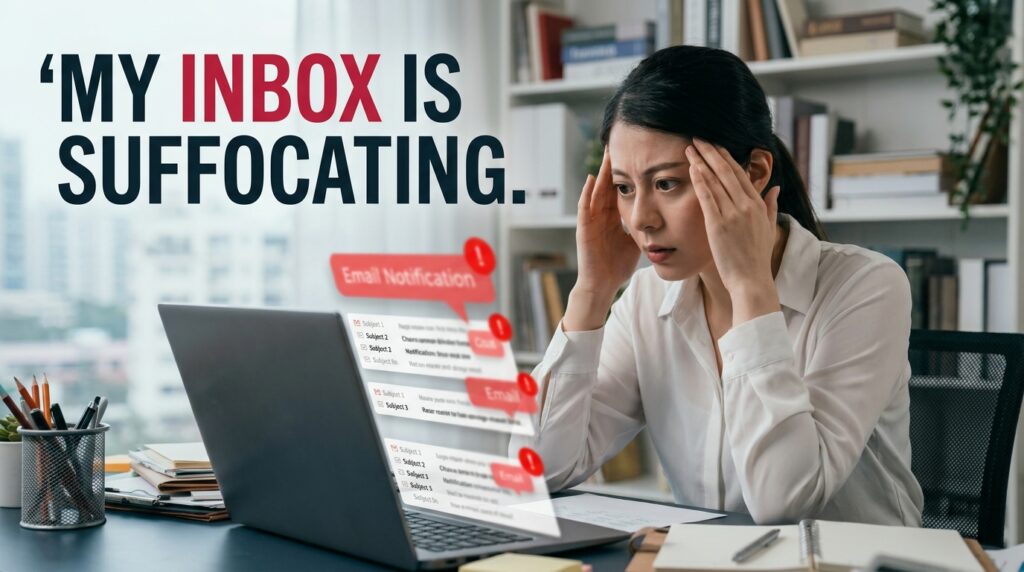
An overflowing email inbox is the most common form of digital hoarding. It is the digital equivalent of having thousands of unopened envelopes piled up on your living room floor. It makes you feel chronically behind on your life.
My inbox was a toxic cocktail of vital client communications buried under a suffocating avalanche of promotional newsletters, expired coupon codes, and social media alerts. Deleting them manually would have taken weeks.
To fix this, you need a digital bouncer. I used an app called Clean Email.
Clean Email is an absolute lifesaver. When you connect it to your account, its algorithm analyzes your entire inbox and immediately categorizes your messages into “Smart Views.” It isolated all the automated newsletters, all the emails older than two years, and all the social media notifications. With two taps on my screen, I deleted 25,000 emails simultaneously.
Next, I used its “Unsubscribe” feature to mass-remove myself from mailing lists I no longer cared about. This process was a revelation, a tactic I leaned heavily into when writing about (Gmail Tips That Save Me Hours Every Month). If you don’t aggressively protect your inbox, marketers will treat it like a free billboard.
Step 2: The Camera Roll Purge
Nothing eats up digital storage faster than a poorly managed camera roll.
I am guilty of taking twenty burst-mode photos of my dog doing something cute, and then never going back to delete the nineteen blurry outtakes. My camera roll was also full of random screenshots of recipes I was never going to cook, and photos of parking space numbers from three years ago.
Instead of scrolling through 15,000 photos manually, I downloaded an app called Slidebox.
Slidebox turns photo deletion into a Tinder-like experience. It presents your unsorted photos one by one on your screen. If you want to keep a photo, you swipe it into an album folder at the bottom. If you want to delete it, you simply swipe up, and it goes straight into the trash.
You can fly through hundreds of photos in a matter of minutes while waiting for your coffee to brew.
Once I purged the garbage, I needed to get the surviving photos off my local device. I set up an automated backup to a cloud service. Having a rock-solid backup strategy is critical, something I explored deeply in my review of (12 Photo Storage Apps That Keep My Memories Safe). By moving everything to the cloud, I instantly reclaimed 40 gigabytes of physical space on my smartphone, completely eliminating those terrifying “Storage Full” warnings.
Step 3: Curing the “Tab Hoarding” Epidemic
If you have more than ten browser tabs open on your phone right now, you are probably a tab hoarder.
We keep tabs open out of a deep-seated fear of missing out. You see a 4,000-word article about the history of architecture, you don’t have time to read it right now, so you leave the tab open “just in case.” Weeks pass. The tab sits there, slowing down your browser and adding to your visual clutter.
You need to sever the connection between discovering an article and storing it.
I downloaded an app called Pocket. Pocket acts as your personal digital reading queue. Now, when I stumble across a fascinating article or a long-form video while I am supposed to be working, I do not leave the tab open. I tap the “Share” button and send it directly to Pocket. Then, I close the browser tab with zero guilt.
On Sunday mornings, I open the Pocket app on my tablet. The app strips away all the annoying website ads and presents the text in a clean, beautiful, distraction-free environment. I can finally enjoy the content on my own terms, and my mobile browser remains lightning fast.
Step 4: The Mental Unburdening of Passwords
Let’s talk about a different kind of clutter: cognitive clutter.
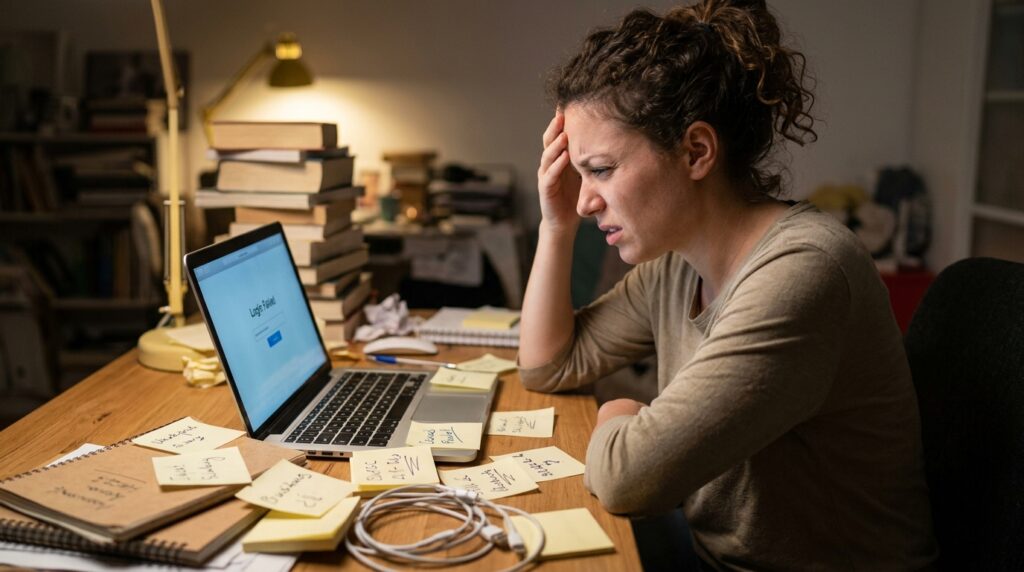
Before I got organized, my password system was a massive mental burden. I used the exact same password, with slight variations, for every single website. When a site forced me to update it, I would write the new password on a physical sticky note, lose the note, and inevitably end up trapped in a frustrating “Forgot Password” email loop.
This is a terrible security liability, but it is also an exhausting way to live.
Downloading a password manager like 1Password (or Bitwarden) changed my digital life overnight. A password manager is an encrypted digital vault. Now, I only have to remember one single, highly secure “Master Password.”
When I go to a website, 1Password automatically recognizes the site, generates a completely random, unhackable 20-character password, saves it, and autofills it. I never have to remember a password again. It removed an enormous amount of daily friction from my life, freeing up brain space for things that actually matter.
Step 5: Consolidating the Note-Taking Chaos
A major source of digital clutter is simply having too many apps that do the exact same thing.
I used to have grocery lists in Apple Notes, blog post drafts in Google Docs, project outlines in Evernote, and random to-do lists scattered across three different planner apps. Because my information was everywhere, it was practically nowhere. I could never find what I needed.
You have to consolidate. Choose one single app to act as your “Second Brain.”
I moved my entire life into Notion. Notion is essentially a blank digital canvas that allows you to build your own personalized databases. I spent a weekend moving all my scattered notes into this one application.
Now, on one single screen, I have a Kanban board for my work projects, a database for my personal reading list, and my weekly grocery checklist. When everything lives in one unified, searchable workspace, you stop losing your brilliant ideas to the digital void. If you want a comprehensive look at the tools that make this transition possible, I highly recommend checking out my guide on (10 Apps That Helped Me Declutter My Digital Space). Consolidation is the ultimate decluttering hack.
Step 6: Silencing the Noise
Your phone is essentially a slot machine that lives in your pocket, constantly vibrating and pinging to demand your attention. Every notification is a tiny interruption that fractures your focus and litters your digital environment with red dots.
You have to take back control of your notifications.
I went into my phone’s settings and initiated a ruthless notification blackout. I turned off notifications for every single app except for direct text messages from my family, phone calls, and my calendar alerts.
Instagram does not get to buzz my leg when someone likes a photo. News apps do not get to interrupt my dinner to tell me about a breaking headline. My email app does not get to notify me every time a newsletter arrives.
If I want to see what is happening on social media, I have to consciously decide to open the app. The app no longer gets to summon me. This one simple settings adjustment made my phone feel completely silent and peaceful. It transformed the device from a demanding boss into a quiet, obedient servant.
Step 7: The “One Screen” Rule
The final step of the digital decluttering process is purely visual.
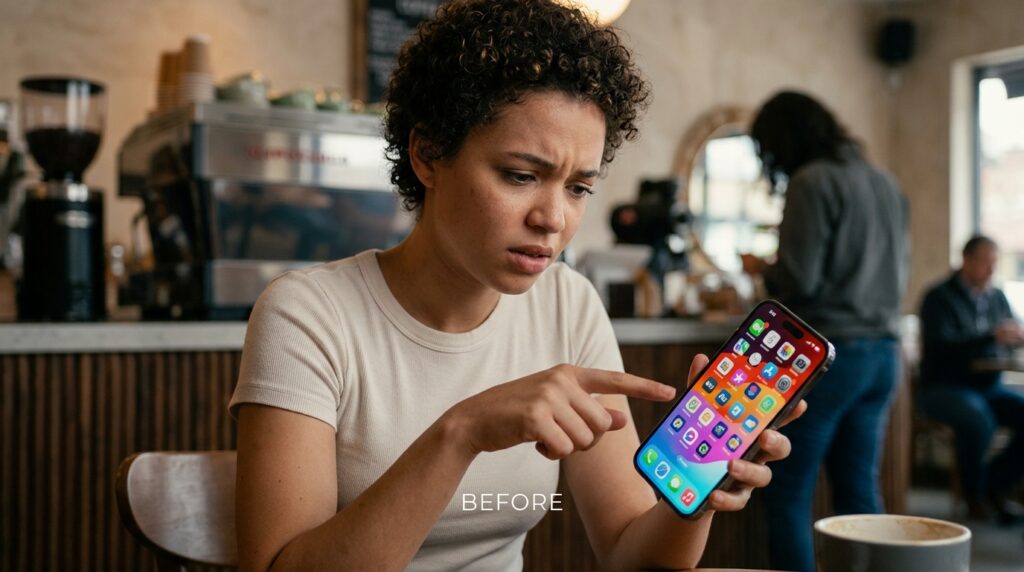
Look at your phone’s home screen. If you have five different pages of apps, randomly thrown together in a chaotic mess of colors and icons, your brain is going to feel scattered every time you unlock your device.
I implemented the “One Screen” rule. I deleted every single app I hadn’t opened in the last thirty days. Be honest with yourself—you are never going to use that language learning app you downloaded in 2019, and you don’t need three different weather apps.
Once the dead weight was deleted, I organized the surviving apps. My primary home screen only contains tools: my calendar, my to-do list, my camera, and Google Maps. That is it.
All the “slot machine” apps—social media, shopping, mobile games—are banished from the home screen. They are hidden away in a folder on the second page, or removed from the screen entirely so I have to actively search for them in the App Library to open them. By removing the visual trigger of the app icon, I completely broke the habit of mindlessly opening Instagram every time I unlocked my phone.
Final Thoughts on Your Digital Home
We are the first generation in human history to live dual lives. We have our physical existence in the real world, and we have a sprawling, complex digital existence on our screens.
You wouldn’t let trash pile up on your kitchen counter for three years, so why do you accept a digital environment that is choked with thousands of unread emails and broken files?
Organizing your digital space is not a one-time weekend project; it is an ongoing daily practice. But the return on investment for doing this work is absolutely staggering.
When you eliminate the digital friction—when you know exactly where your documents are, when your passwords auto-fill flawlessly, when your inbox is quiet, and your photos are safely archived—you experience a profound sense of lightness. Your devices stop feeling like chaotic, demanding burdens. They become the powerful, streamlined tools they were always meant to be.
Don’t try to tackle everything today. Just pick one area. Download an email cleaner, or start swiping through your camera roll. Take one single step toward reclaiming your screens, and the digital fog will finally begin to lift.
