
The folder on my smartphone’s home screen was literally named “Get Your Life Together.”
Inside that folder, I had amassed a ridiculous collection of twelve different productivity applications. I had a habit tracker, a Pomodoro timer, a complex database builder, a minimalist to-do list, a mind-mapping tool, and three different calendar widgets.
Every time I felt overwhelmed by my workload, my coping mechanism was to open the app store and download a new tool. I operated under the desperate delusion that if I could just find the perfect piece of software, my procrastination would magically cure itself, my focus would become razor-sharp, and I would suddenly transform into a highly efficient machine.
Instead, I created a digital nightmare.
I was spending more time managing my productivity apps than I was actually doing my work. I would spend two hours color-coding a complex project board, feel an enormous sense of false accomplishment, and then completely abandon the board by the following Tuesday. My tasks were scattered across so many different platforms that I constantly felt a low-grade, suffocating panic that I was forgetting something critical.
The harsh reality finally hit me: A productivity app is not a magic wand. It is a highly sophisticated digital filing cabinet. If you throw garbage into a beautifully designed filing cabinet, you just have a beautifully designed cabinet full of garbage.
To actually get things done, you have to stop obsessing over the software’s features and start fundamentally changing your own daily workflows. After years of trial and error, deleting dozens of accounts, and completely restructuring my digital life, I finally cracked the code.
If your phone is filled with unused planners and neglected task managers, here are the core principles and tips for using productivity apps more effectively.
1. The Great Software Purge (The Rule of Three)
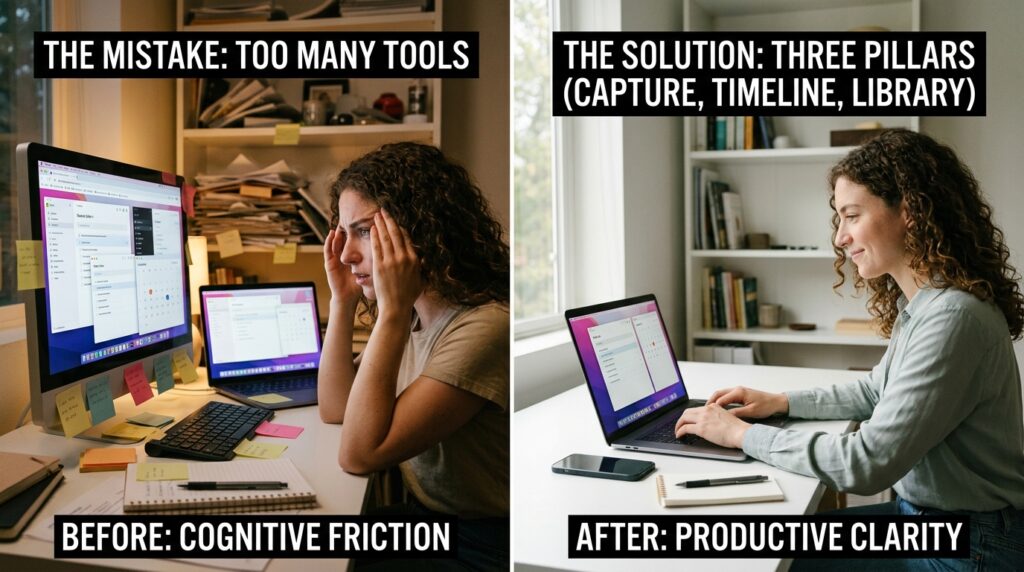
The absolute biggest mistake you can make is trying to use too many tools at once.
When your brain has an idea, and you have to pause for ten seconds to debate whether that idea belongs in Evernote, Notion, Apple Notes, or Todoist, you have introduced cognitive friction. When you are tired or stressed, that friction will win. You will take the path of least resistance and just write the idea on a physical sticky note, completely breaking your digital system.
You must aggressively consolidate your tech stack. You only need three foundational pillars to run a highly productive life:
-
The Capture Tool: A fast, frictionless app for capturing quick tasks and fleeting ideas (e.g., Todoist, TickTick, or Google Keep).
-
The Timeline: A calendar application to manage the physical reality of your time (e.g., Google Calendar, Fantastical).
-
The Library: A deep storage app for reference materials, meeting notes, and complex project planning (e.g., Notion, Obsidian, or Evernote).
Delete everything else. If an app overlaps with one of these three functions, remove it from your phone. When you limit your options, you completely eliminate decision fatigue. You know exactly where information goes, and exactly where to find it.
2. Separate “Capturing” from “Organizing”
Here is a scenario that used to derail my day constantly: I would be standing in line at the grocery store, and I would suddenly remember that I needed to email my accountant about a tax document.
I would open my task manager, type “Email accountant,” and then I would try to organize it. I would tap the screen to add a “Finance” tag, set a priority level to “High,” assign it to a specific project folder, and set a due date for Thursday. By the time I finished doing all of this data entry on a tiny mobile keyboard, it was my turn to pay, I was flustered, and I had wasted valuable mental energy.
You must separate the act of capturing a thought from the act of organizing it.
The best productivity apps have an “Inbox” feature. When you are out in the world living your life, your only job is to dump the thought into the Inbox as quickly as humanly possible. Do not tag it. Do not date it. Just type “Email accountant” and close the app.
Later that evening, when you are sitting at your desk and in a proper administrative mindset, you can open your Inbox, review the five or six random thoughts you captured throughout the day, and carefully sort them into their proper project folders. This two-step workflow is the exact philosophy I outlined when discussing Strategies I Learned From Productivity Apps That Actually Work. Frictionless capture saves your immediate focus; deliberate organization saves your future sanity.
3. Organize by Context, Not Just by Project
Most people organize their to-do list apps by project: “Marketing Campaign,” “Home Repairs,” “Vacation Planning.”
This makes logical sense, but it completely ignores the reality of human energy levels.
If it is 4:00 PM on a Friday, your brain is likely fried. If you open your task app and look at your “Marketing Campaign” folder, you might see tasks like “Write 2,000-word strategy brief” sitting right next to “Reply to vendor email.” Because you don’t have the energy for the strategy brief, you get overwhelmed and close the app entirely, ignoring the easy email you could have easily fired off.
To use your app effectively, you need to use “Context Tags.”
I tag my tasks based on the energy and location required to complete them. I use tags like @DeepWork, @LowEnergy, @PhoneCalls, and @Errands.
When I am sitting in the waiting room at the dentist’s office with fifteen minutes to kill, I do not look at my massive project folders. I simply tap the @PhoneCalls or @LowEnergy tag. The app instantly filters my entire life and presents me with a simple list of mindless tasks I can do right there from my phone, like paying a utility bill or confirming an appointment. You match the task to your current state of mind.
4. The Calendar is the Ultimate Judge
A to-do list app is a dangerous place. It is an aspirational fantasy land where physics do not apply. You can put eighty highly complex tasks on your to-do list for a Tuesday, completely ignoring the fact that Tuesday only has twenty-four hours.
Relying exclusively on a list guarantees that you will end every single day feeling like a failure, because the list will never be finished.
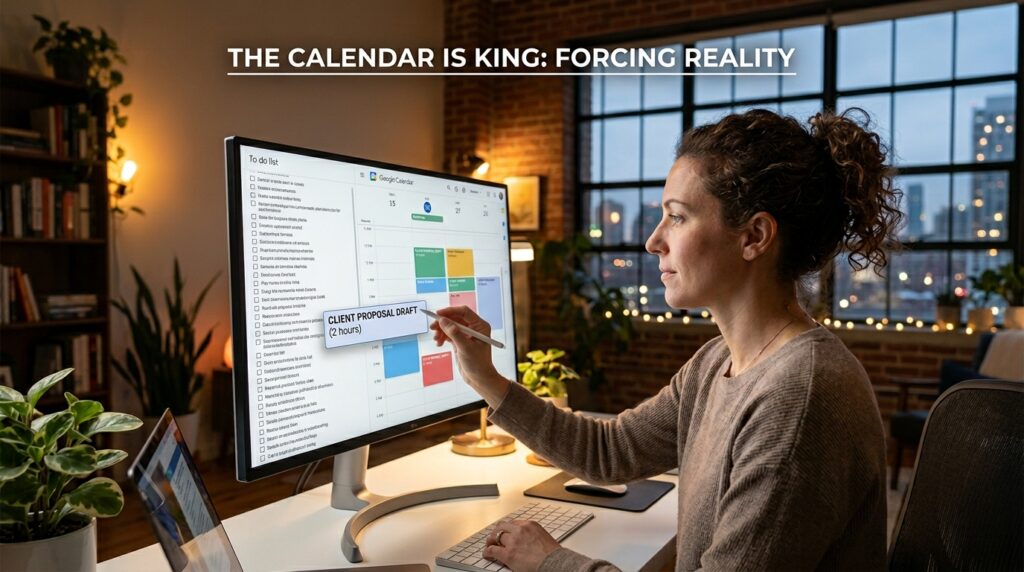
To make your productivity app effective, it must submit to the authority of your calendar.
If a task in my app is going to take more than twenty minutes to complete, it cannot just sit on a list. It must be dragged onto my Google Calendar as a physical block of time. If I need to draft a client proposal, I find a blank two-hour window on Wednesday morning and I block it out.
When you force your tasks to confront the physical reality of a calendar, you learn how to say “no.” You visually understand your own capacity limits. Navigating this boundary is especially crucial for people working from home, a dynamic I explored heavily in Productivity Apps That Make Remote Work Manageable. Time-blocking forces you to be brutally honest with yourself about what you can actually accomplish in a single day.
5. Disable the “Red Dots of Doom”
App developers are in the business of capturing your attention. Even the developers of the best productivity apps in the world want you to open their software as often as possible. They do this by putting bright red notification badges on the app icons.
If your task manager has a red badge that says “14” because you have fourteen overdue tasks, your brain registers that red dot as a threat. Every time you unlock your phone to check the weather, that red dot screams at you, spiking your cortisol and inducing a deep sense of guilt.
Guilt is a terrible motivator. It usually just makes you want to avoid the app altogether.
Go into your smartphone’s system settings and completely disable badge notifications for your productivity apps. Your to-do list should not be allowed to yell at you. It should be a quiet, peaceful, completely passive tool that only speaks when spoken to. You should open the app because you intentionally want to see what is next on your agenda, not because a red dot shamed you into opening it.
6. The Sacred Weekly Review
Your digital system is like a physical kitchen. You can organize your pantry perfectly on a Sunday, but if you cook three meals a day and never wipe the counters, the kitchen will be a chaotic disaster zone by Thursday.
A productivity app requires strict, routine hygiene to remain useful. Without maintenance, old tasks pile up, due dates pass, and you slowly lose trust in the system. Once you lose trust in the app, you stop using it.
You must establish a non-negotiable Weekly Review.
Every Friday afternoon, I spend exactly thirty minutes acting as my own manager. I open my productivity apps and I clean house. I empty my digital inbox. I delete tasks that I know I am realistically never going to do. I reschedule tasks that I missed. I look at the upcoming week on my calendar and ensure my priorities are aligned.
This thirty-minute ritual is the glue that holds my entire professional life together. Setting up these strict maintenance boundaries is exactly what I advocate for when discussing Apps That Help Me Focus When Working From My Phone. The software won’t organize itself; you have to manually reset the board before you start playing the next game.
7. Embrace the “Ugly” System
Finally, we have to address the aesthetic trap.
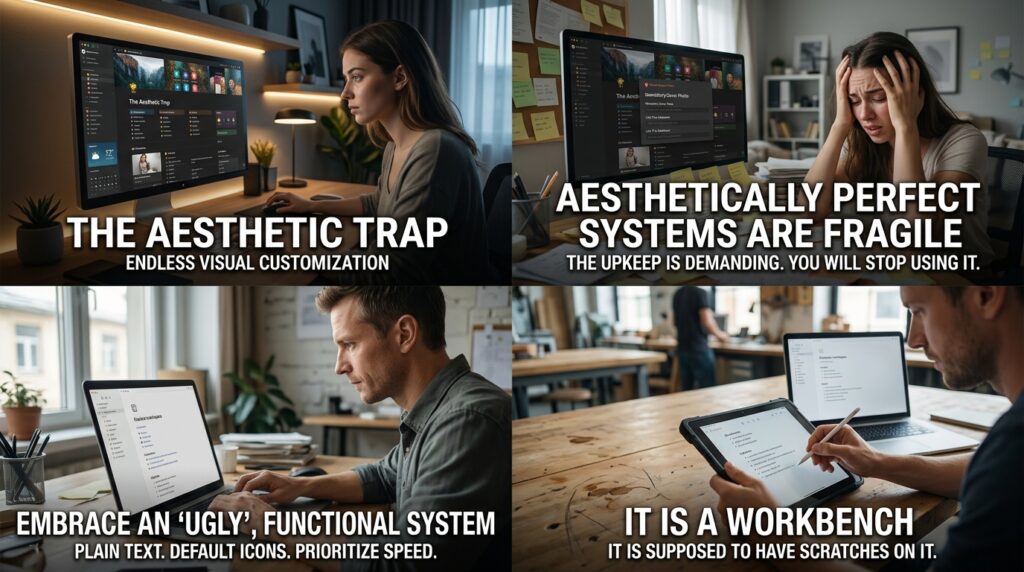
Platforms like Notion and Obsidian are incredibly powerful, but they allow for endless visual customization. You can spend days browsing Reddit or YouTube, looking at how other people have designed their perfect, aesthetically pleasing workspaces with custom icons, embedded weather widgets, and beautiful cover photos.
Do not fall into this trap. An aesthetically perfect system is usually a fragile system.
If your workspace requires you to fill out five different custom fields, upload a cover photo, and link three databases just to add a simple project note, you will eventually stop using it because the upkeep is too demanding.
Embrace an “ugly,” functional system. Use plain text. Use default icons. Prioritize speed and reliability over aesthetics. Your productivity app is not an art gallery; it is a workbench. It is supposed to have scratches on it.
Final Thoughts on Finding Your Leverage
We place incredibly high expectations on the software we download. We want an app that will fix our procrastination, cure our distraction, and make us wildly successful.
But an app is just a lever. It is a mechanical advantage. A lever cannot move a boulder by itself; it still requires you to push down on the handle.
Using productivity apps effectively is not about finding hidden features or discovering a secret hack. It is about fundamentally respecting your own cognitive limits. It is about accepting that your brain is a terrible place to store information, and delegating that storage to a piece of software you trust.
Stop downloading new apps. Pick one simple task manager and one digital calendar today. Strip away the notifications, lower your expectations of perfection, and commit to the boring, unsexy work of capturing your thoughts and mapping them onto your day. When you stop obsessing over the tool and start mastering your own workflow, the technology finally gets out of your way, giving you the ultimate reward: the freedom to actually step away from your screens and live your life.
